 Makkhi
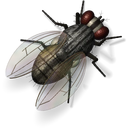
There is a fly on your screen.
Makkhi puts small, very realistic bugs on your Windows desktop. They walk, pause, clean their legs and run from your mouse. Every click goes straight through them.
Free fly included. Windows 10 and 11, 2.3 MB. View on GitHub
Three bugs, each with its own habits
Free
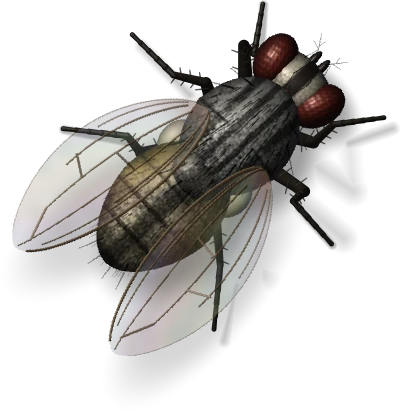
The fly
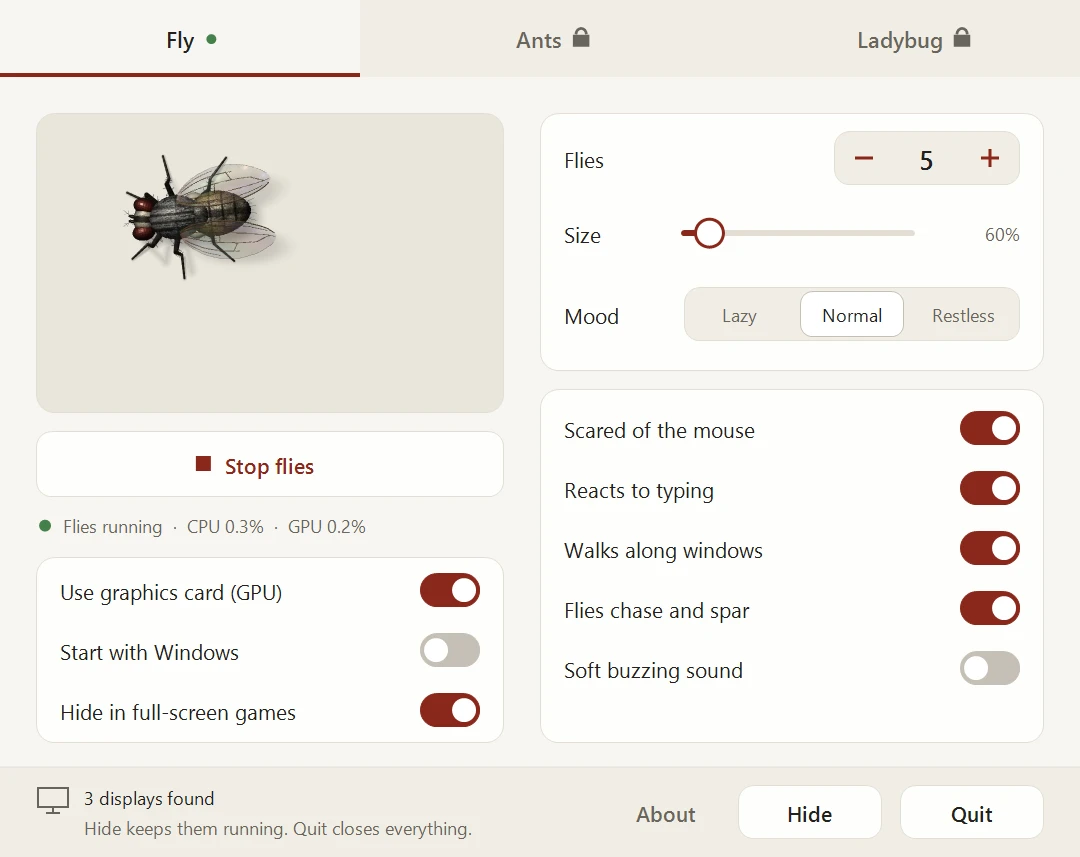
Rubs its front legs, grooms its wings and head, and walks along the edges of your open windows. Type near it and it notices. Put up to 12 out and they chase each other.
With the lifetime unlock
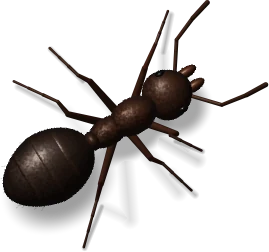
The ants
Up to 30 walk in a line across all your monitors, carry crumbs home one by one, and touch antennae when they meet. Sweep your mouse through the line and they scatter.

With the lifetime unlock
The ladybug
Slow and calm. Startle it and it tucks in its legs and plays dead. Now and then it opens its red shell and shows its wings. Comes in red, orange and yellow.
You can always see what it costs, and stop it
- Live numbers
- The window shows its CPU and GPU use while bugs walk. On our test PC (24 threads, RTX 3070), five flies used about 0.1% CPU and 1.5% GPU. Your numbers will differ.
- Stop means stopped
- Stop clears the screen and CPU use falls to zero. Quit closes the program completely. It starts with Windows only if you switch that on.
- Out of your way
- Clicks pass through. Bugs can hide during full-screen games, and they work across several monitors.
- Private
- It does not read your keys, files or screen. It goes online only to check a licence key.
Free fly. Pay once for the rest.
Fly, ants and ladybugs
In India ₹149, later ₹199. Taxes may be added at checkout.
- Up to 30 ants and 8 ladybugs
- Yours for life, no subscription
- One key works on 2 of your PCs
- Works offline after unlocking
- 7-day refund
Questions
How do I get my key?
It comes by email after payment. Open Makkhi, click a locked tab, choose "I have a key" and paste it.
I lost my key. What now?
Write to support from the email you paid with. We will look it up and send it again.
I bought a new PC.
On the old PC open About and choose "Remove licence from this PC", then use the same key on the new one. If the old PC no longer works, write to support.
Windows shows a warning when I install.
Makkhi is new and not yet signed with a publisher certificate, so Windows may say it does not recognise it. Only continue if you downloaded it through this website or our GitHub page. If your antivirus reports a threat, do not install it, and please tell us.
How do I remove it?
Windows Settings, Apps, Makkhi, Uninstall. This also removes its settings and the key saved on that PC.